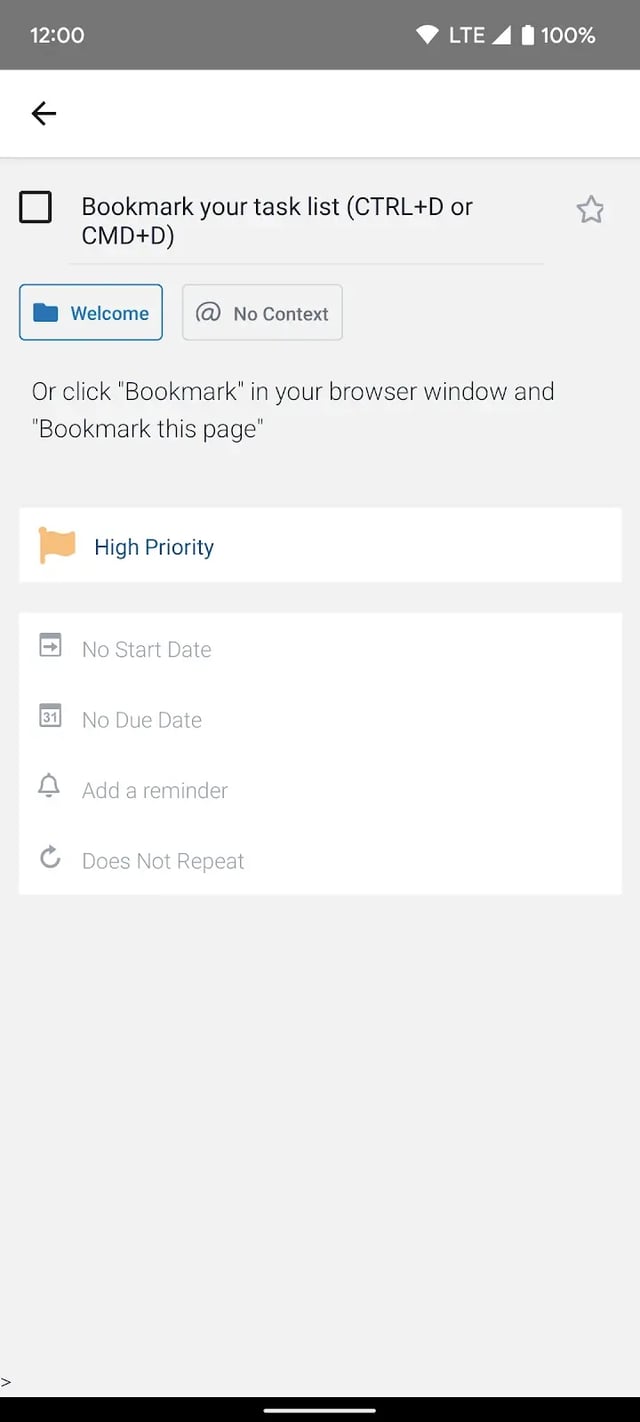
Toodledo tasks carry more than 15 trackable attributes — folders, tags, contexts, priorities, stars, due dates, repeats, lengths, locations and more — so you can sort, filter and search your way to what matters now.
Use one or two of these and keep it simple, or turn on all of them. You choose in your settings which fields appear.
Group tasks and notes by project or by work vs. personal. Archive and reorder folders, and make a folder private so collaborators never see it.
Break a big multi-step task into smaller tasks nested beneath it: Folder › Task › Subtask. Any task can become a container. (Subscriber feature.)
Label tasks with any keywords you like and filter instantly by one tag or a combination.
Record where or how a task gets done — calls, computer, errands, office, home — and see only what fits your current situation.
Five priority levels from Negative to Top, plus a star for anything you want to flag. Both feed the Hotlist.
Daily, weekly, monthly, yearly or on your own schedule — from the due date or from completion. Recurring responsibilities take care of themselves.
Attach a due date, decide when the alarm should fire, and choose how it reaches you:
Location-based reminders. Tag where a task needs to happen. Get reminded when you arrive or leave, find tasks near you, and hear an alarm when you get close to a location with active tasks.
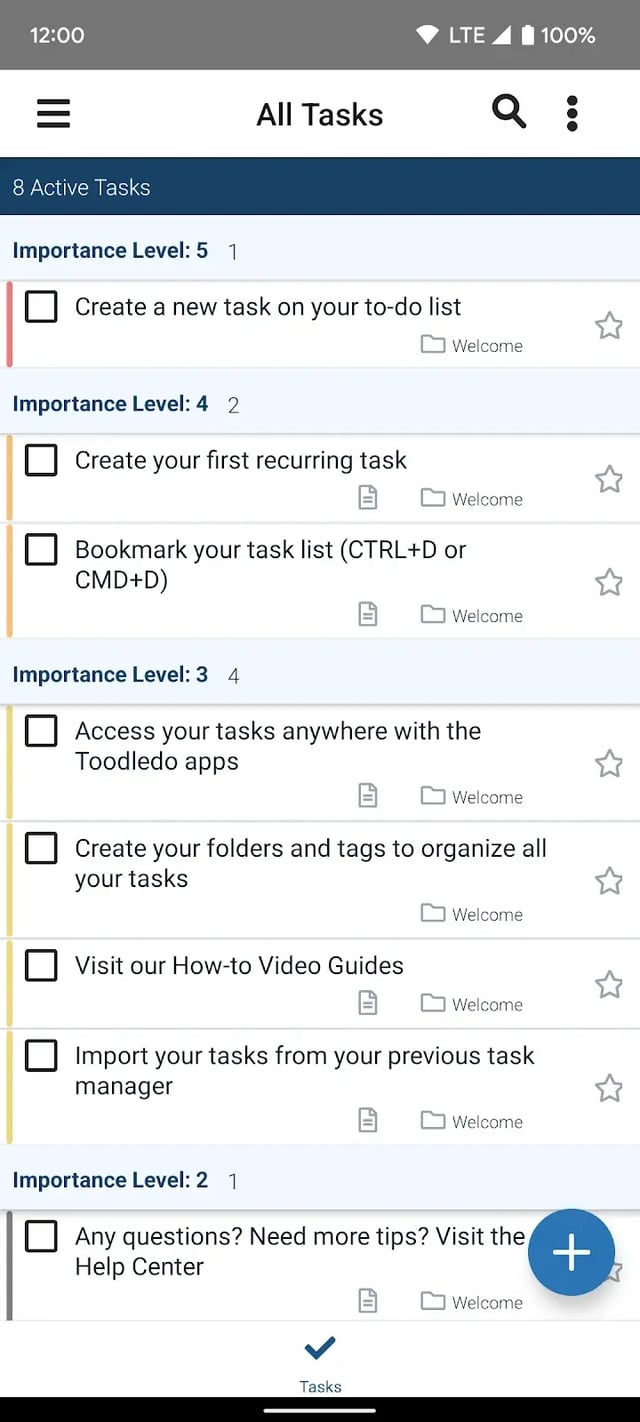
Filter & sort. Group and sort by any field — due date, priority, folder, context, status, length — and hide what you don't need today.
Search. Advanced search is on every plan. Subscribers can save a search as a one-click view: "what's actually next," "quick wins," "waiting on someone."
Hotlist. A special list of the tasks Toodledo thinks are most important — due soon, high priority, starred — as your starting point for the day. More about the Hotlist →
Start with a free account. Subtasks, saved searches and custom alarms come with Standard.